Login to Booking Engine
This tutorial will guide you through the process of logging in to the Booking Engine at https://chsres.com.
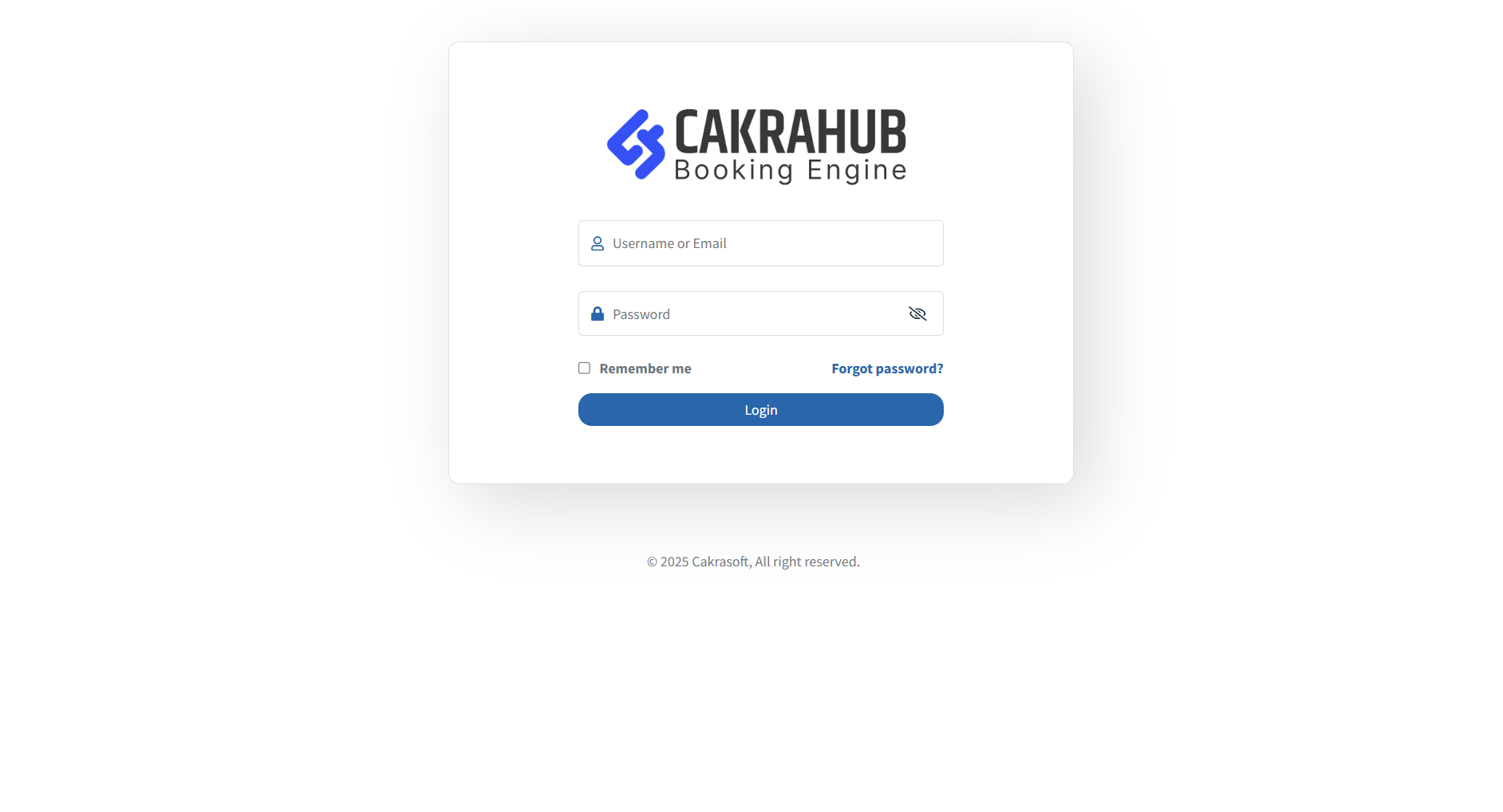
Steps to Login
- Open your browser and go to https://chsres.com.
- Click on the Login button at the top right corner of the homepage.
- Enter your username and password in the login form.
- Click the Sign In button.
- If your credentials are correct, you will be redirected to your dashboard.
Tip: If you forgot your password, click on the "Forgot Password?" link and follow the instructions to reset it.
You are now logged in and can start using the Booking Engine features!